Level 1
TruFrame Lite
A photo of the yard in. A photorealistic render out. Edit, mask, and keep the history. No site plan, no 3D CAD, no team.
Lite for a photoreal from a photo. Pro for site plans, builds, permitting and the AI draftsman. Studios for AIAD — Artificial Intelligence Aided Drawing — a full 3D CAD view with an agent and a manual view, on the same model. Drawings use TruFrame’s own proprietary AI.
Create a free account to read this page and the FAQ, and to get offers if you want them. Subscribe before Lite, Pro or Studios will open. Add credits when you are ready to draw.
The three components
Subscriptions follow the product: Lite only, Lite and Pro, or all three. Teams sit on Pro and Studios. Studios includes five seats. Top-up prices are TBD when the monthly allowance is used up.
A photo of the yard in. A photorealistic render out. Edit, mask, and keep the history. No site plan, no 3D CAD, no team.
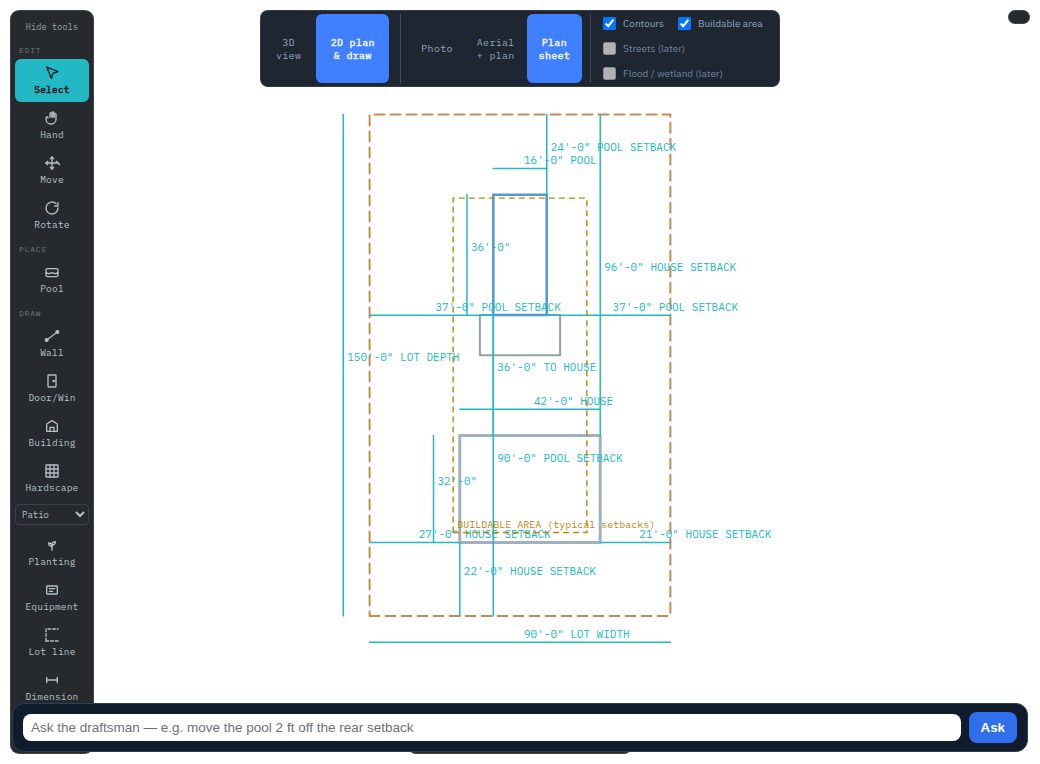
Site plans, builds, permitting sheets, and the AI draftsman on a true-scale aerial. Trace the lot. Ask for a proposed plan. Export PDF and DXF. Teams can share the workspace.
AIAD — Artificial Intelligence Aided Drawing. Full 3D CAD with an AI agent and a manual view. Import DXF, DWG, STEP or STL. Record a 3D CAD video. Turn the model into a photoreal, a site plan and elevations. FreeCAD is the kernel. Blender is optional.
How it works
The measurements come first. Everything else is built on top of them, which is why what you hand a client survives contact with a zoning office.
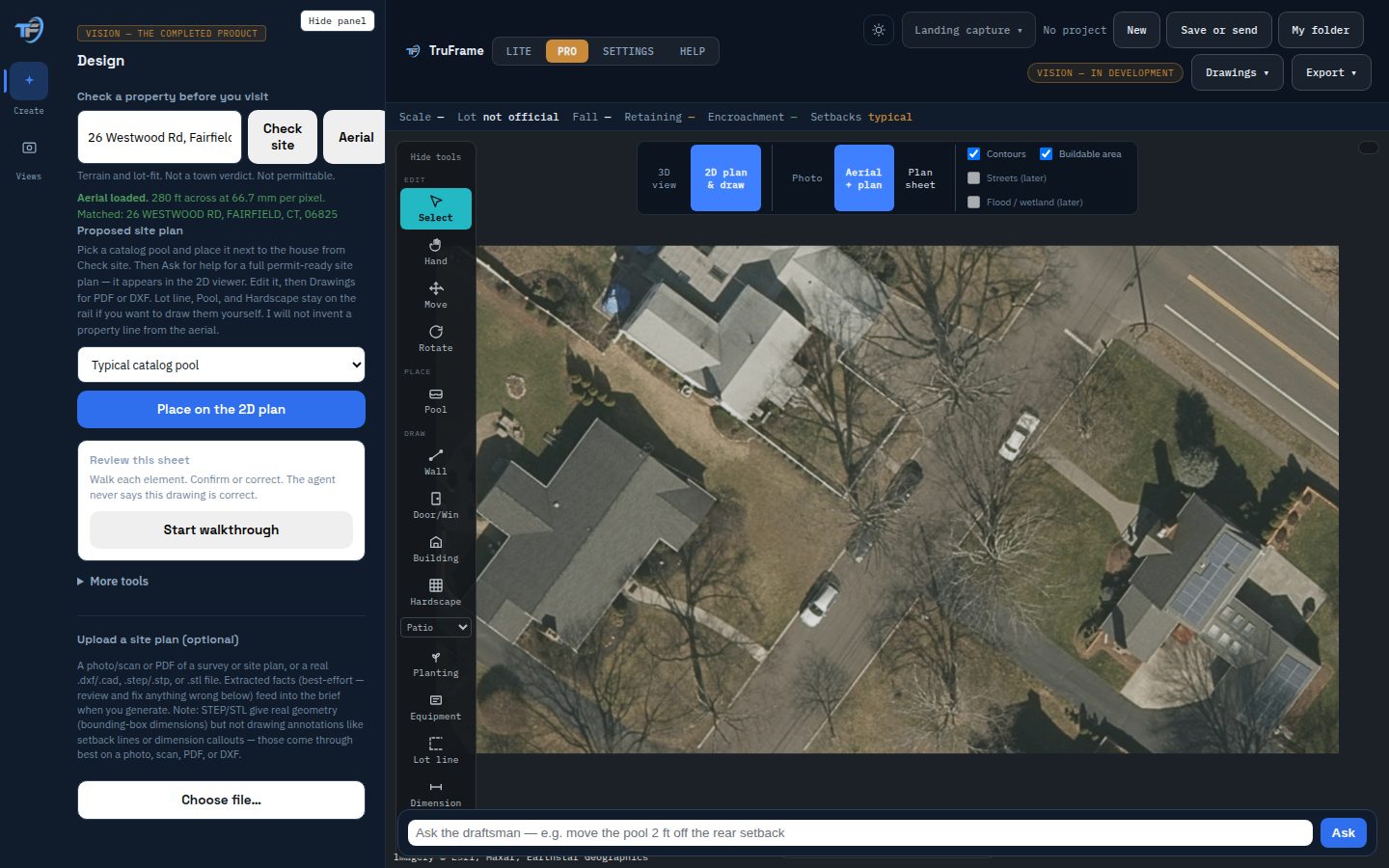
TruFrame pulls the aerial and the elevation data, places it at true scale, and traces the building outline.
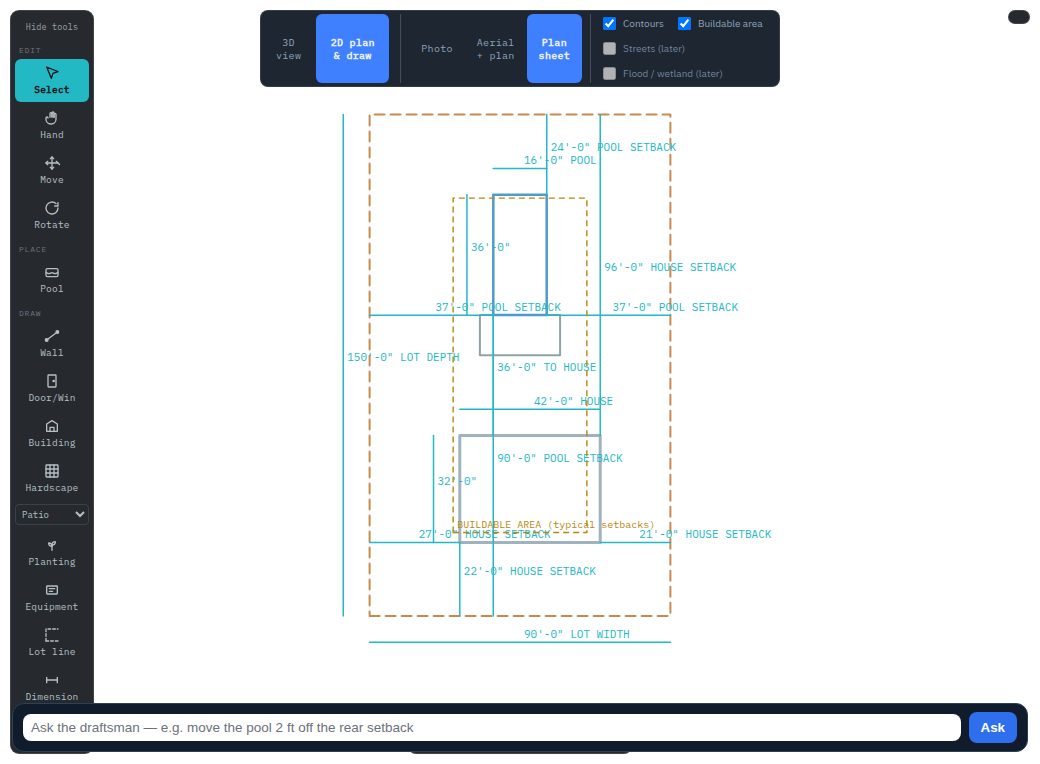
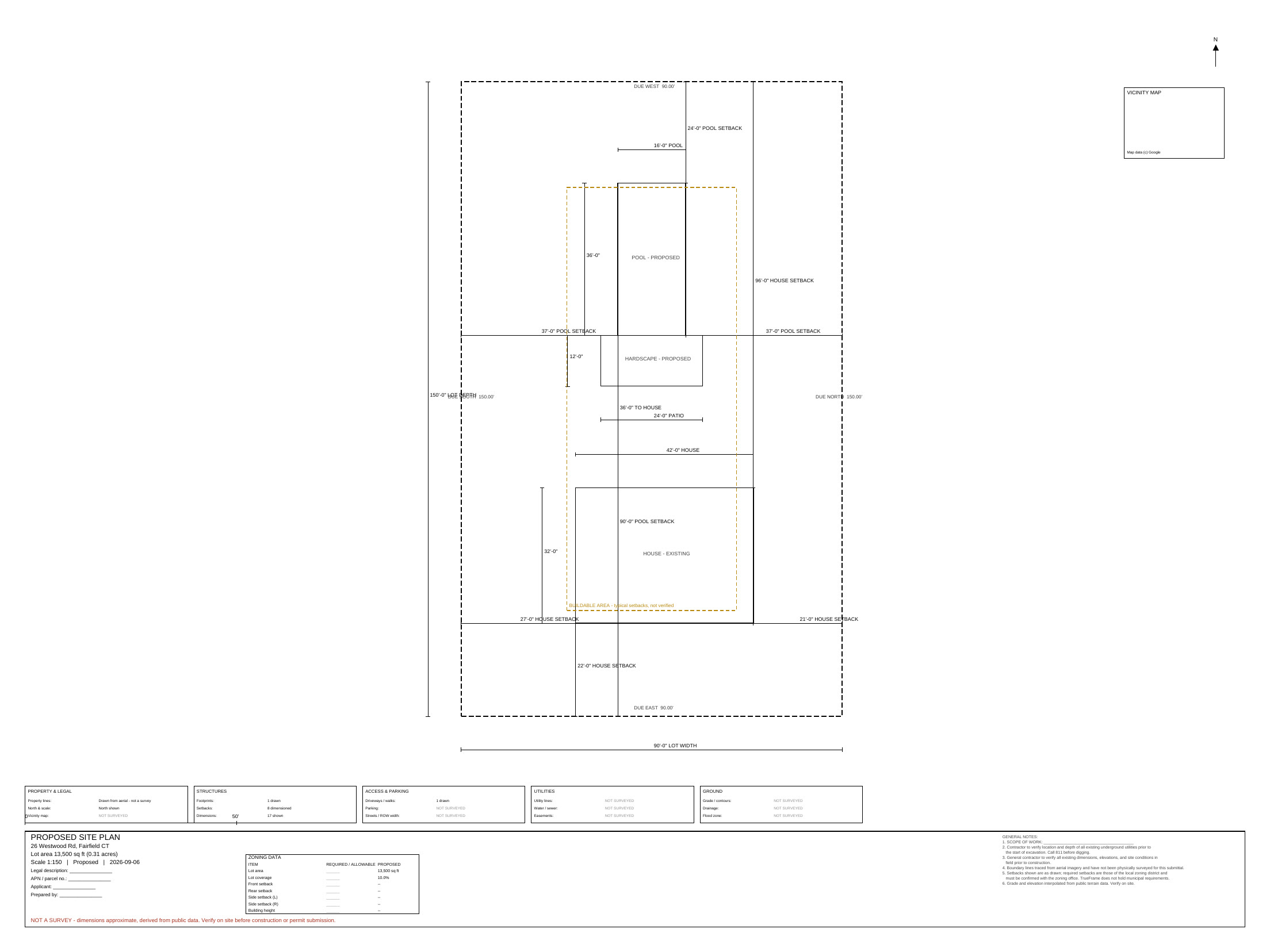
Mark the lot line, the house, the pool. Setbacks and the buildable envelope come out automatically, dimensioned.
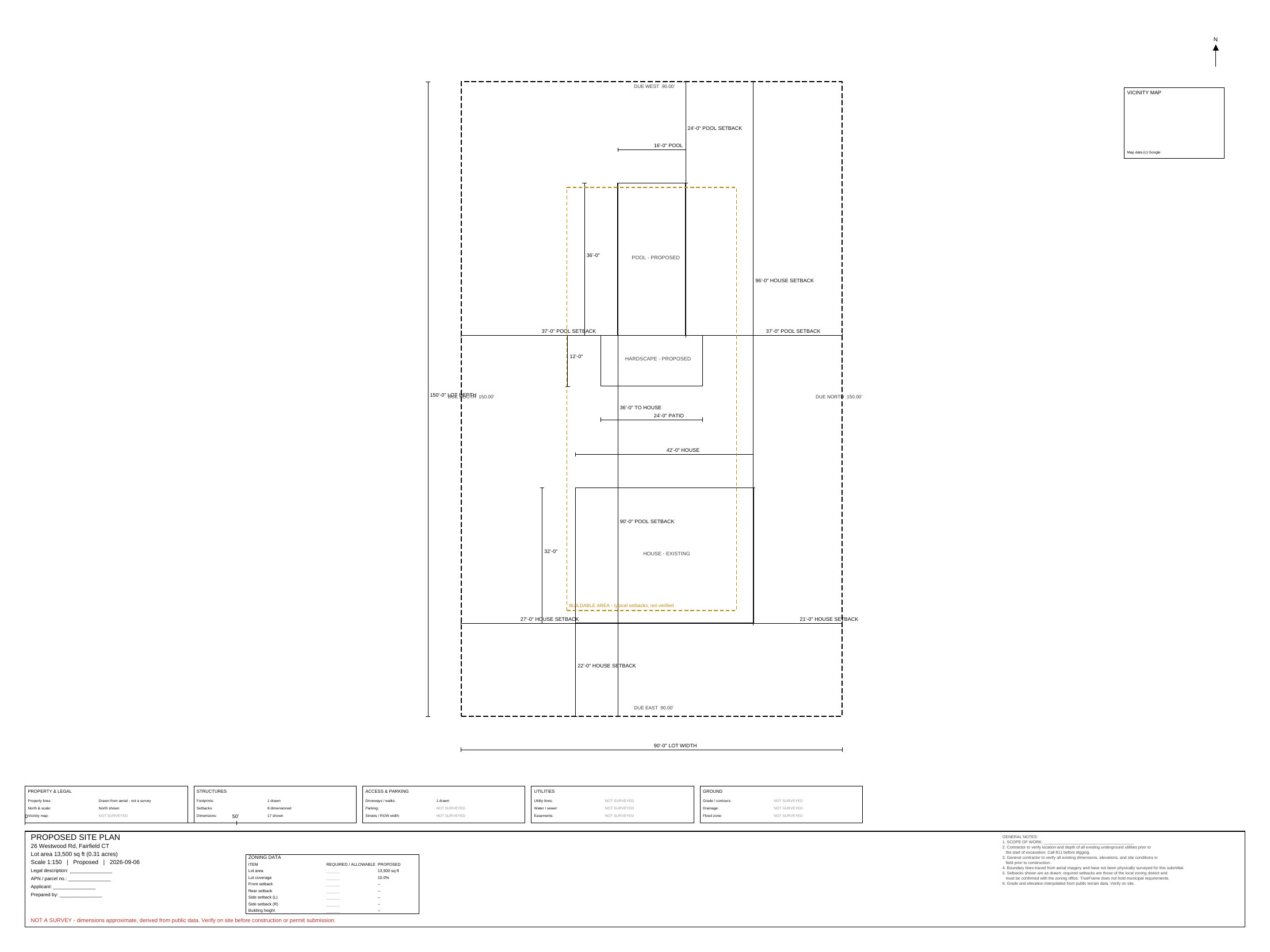
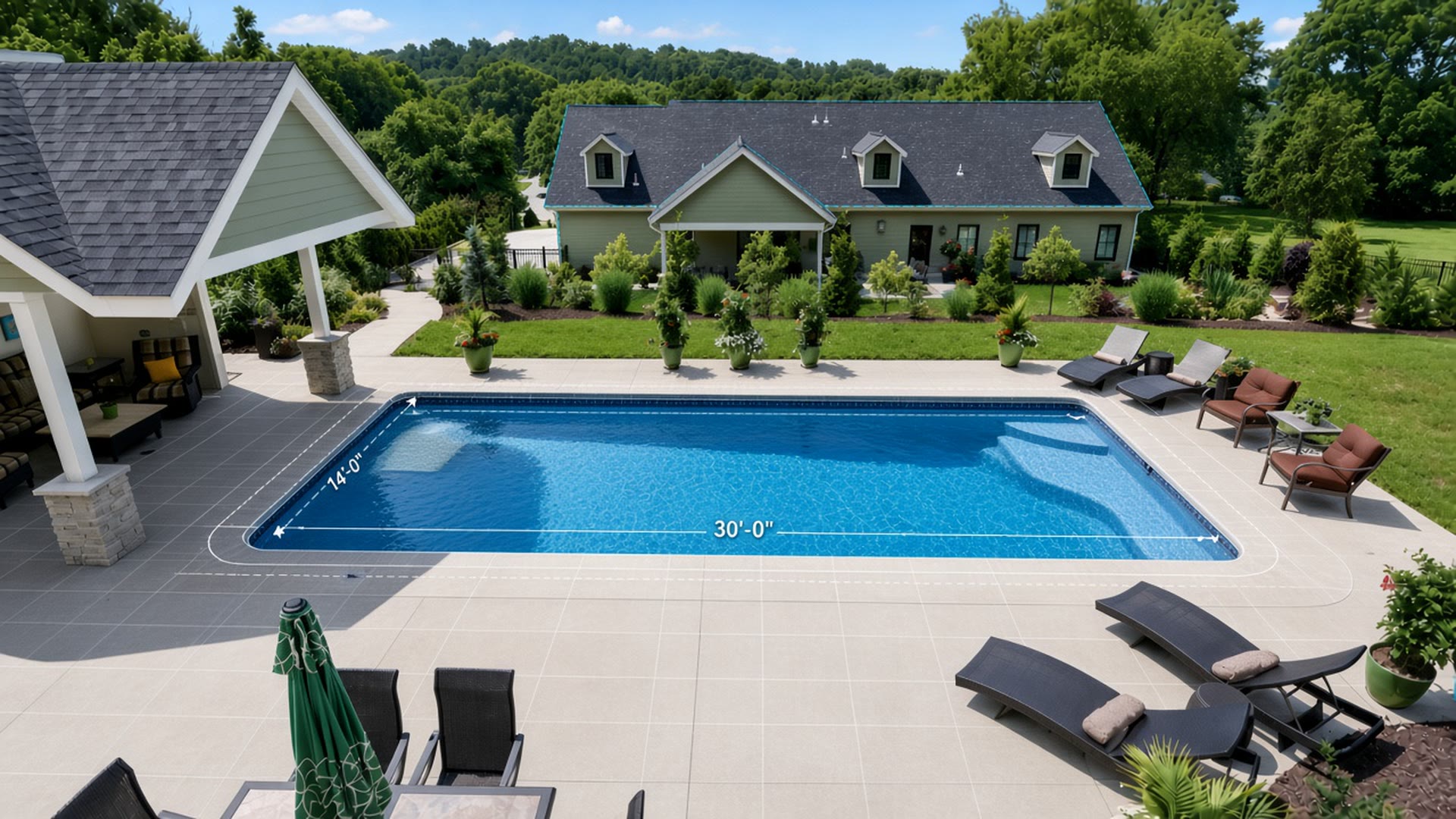
A drawn site plan sheet, a photorealistic render, and CAD files your draftsman or the town can actually open.
The comparison that matters
Every proposal today starts with a truck, a tape measure and a wait. That's the thing TruFrame replaces.
| Site visit + draftsman | TruFrame | |
|---|---|---|
| Before you can quote | Drive out, measure, wait on a drawing | Same session |
| Cost per plan | Your time, plus a drafting fee | TBD |
| Turnaround | 1–3 days | 30–60 minutes |
| Revisions | Back to the draftsman | Change it and re-export |
| What the client sees | A drawing, or nothing yet | A render and a scaled plan |
| What the town sees | A drawing | A dimensioned sheet at verified scale |
Why people switch
The measuring trip is the part nobody bills for and everybody pays for. It is the reason a quote takes until next week instead of this afternoon.
What you get
A picture wins the meeting. A dimensioned plan gets the permit. TruFrame produces both from the same measured model, so they never disagree with each other.
Lot, building, setbacks, hardscape and equipment, dimensioned, with a title block and a stated scale.
Layered and to scale, for your draftsman, your surveyor or the planning office.
Their actual yard with the work in it — from one photo, in the same session.
Real solids, not a mesh approximation, when the job needs engineering downstream. STEP, STL and IFC are Studios exports.
Who it's for
Fit the pool inside the real setbacks, on the real grade, with a catalog of real manufacturer geometry rather than a sketch.
Additions, patios, outbuildings. Show the client, then hand the town a scaled plan.
Grade, drainage fall and buildable area on a parcel, before anyone mobilises.
Skip the measuring and start from a traced, scaled base you can take straight into CAD.
Pricing
Creating an account is free. Subscribe before Lite, Pro or Studios will open. Add credits anytime. Each level includes a monthly render allowance; extra renders bill at that level’s rate. Top-up prices are TBD. Annual billing is one month free.
Questions
For the final build, yes. TruFrame is for everything before that — quoting, showing the client, and knowing whether it fits before you spend half a day finding out.
The aerial is placed at true scale and the plan is dimensioned from it. TruFrame states the scale it used so you can check it. It is a design aid, not a stamped survey.
Yes. Pro exports PDF and DXF. STEP, STL and IFC are Studios.
No. You trace what you see on the aerial and describe what you want. The drawing is produced for you.
Change the description and generate again. A revision costs another credit, but it takes minutes instead of another round-trip with a draftsman.
Yes. Nothing you make is public, and nothing is shared between accounts.
Top-up prices are TBD when the monthly allowance is used up.